
Blue light isn’t the main cause of eye strain; factors like poor lighting, improper screen position, and reduced blinking have a bigger impact. When you focus on screens for too long without breaks, your eye muscles tire, and dryness worsens. Glare, reflections, and underlying eye issues can also increase discomfort. To protect your eyes, it’s essential to adjust your workspace and habits—keep exploring to learn how to keep your eyes healthier.
Key Takeaways
- Eye strain results from prolonged focus, reduced blinking, and poor lighting, not just blue light exposure.
- Glare, reflections, and improper screen positioning significantly contribute to discomfort.
- Inadequate workspace ergonomics and environmental factors like dry air worsen eye fatigue.
- Overuse of screens without regular breaks leads to muscle fatigue and dryness, regardless of blue light.
- Underlying conditions such as astigmatism or dry eye syndrome can intensify symptoms beyond blue light effects.
Why Do Our Eyes Get Tired When We Use Screens?

When you spend long hours looking at screens, your eyes can become tired and strained. One major factor is blue light, which screens emit in high amounts. Blue light penetrates deep into your eyes, causing strain and discomfort. This constant exposure forces your eye muscles to work harder to focus, leading to eye fatigue. Additionally, staring at screens reduces your blink rate, causing dryness and irritation. The combination of blue light exposure and decreased blinking puts extra stress on your eyes, making them feel tired after extended use. Without proper breaks or adjustments, this eye fatigue can worsen, leading to headaches and blurred vision. Incorporating natural lighting and taking regular breaks can help reduce eye strain. Recognizing the importance of eye health and implementing simple habits can make a significant difference. Maintaining proper lighting techniques can minimize discomfort during prolonged screen time. Understanding these effects helps you take steps to protect your eyes during long screen sessions, especially when combined with proper lighting techniques and ergonomic practices. Furthermore, choosing screens with blue light filtering technology can also greatly reduce eye strain.
What Environmental Factors Contribute to Eye Strain?
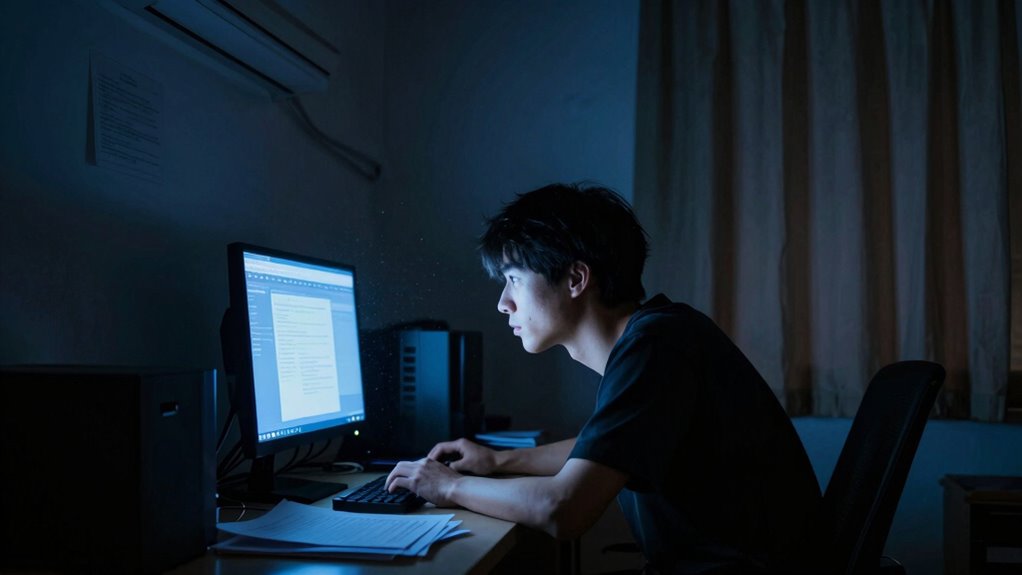
Environmental factors in your surroundings can considerably increase eye strain during screen use. Poor indoor lighting forces your eyes to work harder, causing fatigue. Dim or overly bright lights can lead to glare and discomfort. Air quality also plays a role; dry or polluted air can dry out your eyes, making them more sensitive and tired. Additionally, cluttered or distracting environments can cause you to strain your eyes as you try to focus. To reduce eye strain, aim for balanced indoor lighting that minimizes glare and provides even illumination. Keep air quality high by using humidifiers or air purifiers. Avoid working in dim or overly bright spaces, and try to create a comfortable, well-ventilated environment that supports your eye health. Understanding visual ergonomics can help you make better adjustments to your workspace for improved comfort. Being mindful of Air quality can further promote overall eye comfort and reduce fatigue. Maintaining proper eye hydration is also essential in preventing dryness and discomfort during prolonged screen time. Ensuring proper screen distance can also help reduce unnecessary strain on your eyes over extended periods. Additionally, paying attention to lighting balance can significantly lessen eye discomfort during extended work sessions.
How Do Your Blinking Habits Affect Eye Comfort?
If you don’t blink enough, your eyes can become dry and strained, making them uncomfortable and tired. Spending long hours on screens reduces your blink rate, increasing the risk of irritation. To stay comfortable, remember to blink more often and follow tips for better blinking habits. Incorporating visual comfort strategies into your routine can also help you stay engaged and mindful of your eye health. Additionally, adjusting your screen brightness and maintaining proper ergonomic setup can alleviate unnecessary eye strain during extended periods of use. Ensuring proper ventilation considerations in your workspace can also help reduce eye discomfort caused by dry air and environmental factors.
Blink Rate Reduction Risks
Reducing your blinking rate can considerably impact eye comfort, leading to dryness, irritation, and increased strain. When you blink less, your tear film can’t refresh properly, causing the eyes to become dry and more prone to discomfort. A lower blink rate means your eyes aren’t lubricated enough, which worsens irritation and fatigue over time. To keep your eyes comfortable, be mindful of your blinking habits. Using best safety glasses for 2024 can also protect your eyes during long periods of screen use and reduce overall strain.
Impact of Screen Duration
Extended screen time often leads to decreased blinking, which can markedly compromise your eye comfort. When you stare at screens for long periods, your eyes don’t blink as often, reducing eye relaxation. This diminished blinking causes tears to evaporate faster, leading to dry, irritated eyes and increased screen fatigue. The lack of natural eye movement hampers your eyes’ ability to stay refreshed and comfortable. As your eye muscles strain to focus, discomfort grows, making it harder to concentrate. Prolonged exposure without breaks intensifies these issues, creating a cycle of eye fatigue and discomfort. To maintain comfort, it’s essential to consciously blink more and give your eyes periodic rest to support sustained eye relaxation during extended screen use.
Tips for Better Blinking
Your blinking habits directly impact your eye comfort, especially during screen time. When you blink less, your eyes become dry and strained, worsening discomfort. To improve, try blinking exercises—deliberately blinking slowly and fully every few seconds to refresh your eyes. Make a conscious effort to blink more frequently during prolonged screen use. Maintaining eye hydration is also vital; use artificial tears if needed and stay well-hydrated throughout the day. You can also practice the 20-20-20 rule to remind yourself to blink regularly. Incorporating these habits helps reduce dryness and fatigue, keeping your eyes healthier and more comfortable. Small adjustments in your blinking routine can considerably lessen eye strain and improve overall eye health.
Could Underlying Eye Conditions Be Making Things Worse?
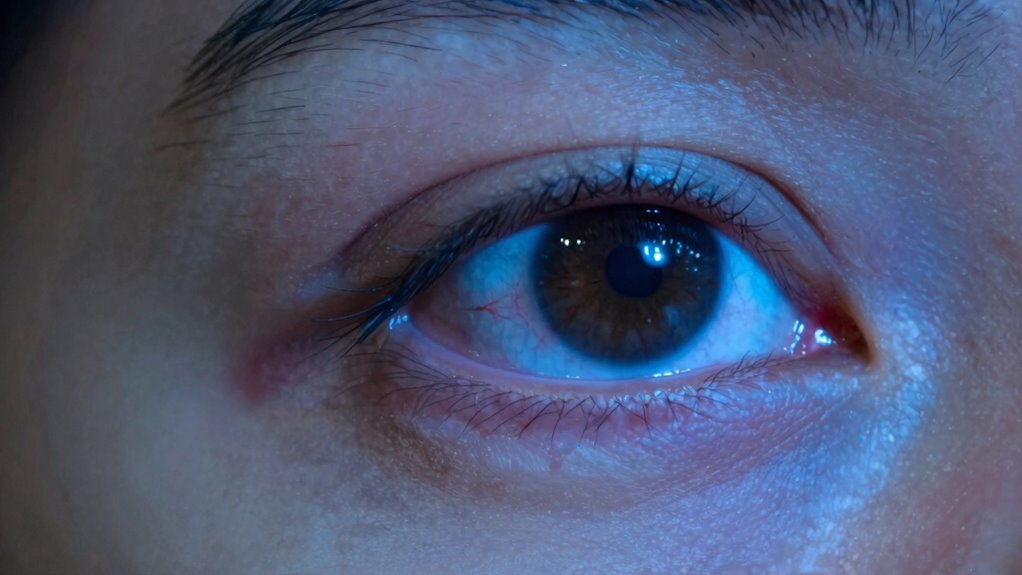
Could underlying eye conditions be intensifying eye strain symptoms? If you already have issues with your ocular health, such as astigmatism, dry eye syndrome, or presbyopia, your eye strain might be worse than typical. These eye conditions can cause your eyes to work harder to focus or stay comfortable, increasing fatigue and discomfort. When your eyes are compromised, they may struggle to adapt to prolonged screen time or visual tasks, making eye strain more noticeable. Recognizing and addressing underlying eye conditions is essential for managing symptoms effectively. Regular eye exams can reveal these issues early, allowing you to get proper treatment. Improving your ocular health not only reduces eye strain but also supports overall visual comfort and clarity. Additionally, understanding AI’s role in healthcare can contribute to better diagnosis and treatment options for eye conditions. Addressing visual system health proactively can help mitigate the severity of symptoms caused by underlying issues. Furthermore, managing underlying eye conditions with appropriate care can significantly improve your quality of life. A comprehensive approach that includes corrective lenses can also alleviate additional strain caused by uncorrected refractive errors.
How Does Screen Time and Breaks Impact Your Eyes?

While addressing underlying eye conditions helps reduce strain, how you manage your visual habits plays a significant role too. Excessive screen time increases eye fatigue, especially if you don’t take regular eye breaks. Prolonged focus on screens reduces blinking, causing dryness and discomfort. To protect your eyes, consider these tips: understanding visual ergonomics and incorporate them into your routine. Being mindful of your visual habits can also help prevent unnecessary eye strain. Additionally, employing proper screen positioning can minimize strain by reducing awkward angles and maintaining optimal distance. Incorporating nutritional insights from fruit juices, such as antioxidants, can also contribute to overall eye health.
- Limit continuous screen time and take frequent eye breaks
- Follow the 20-20-20 rule: look 20 feet away for 20 seconds every 20 minutes
- Use proper lighting to reduce glare and strain
- Adjust your screen’s brightness and contrast for comfort
What Can You Do to Set Up Your Workspace for Eye Health?
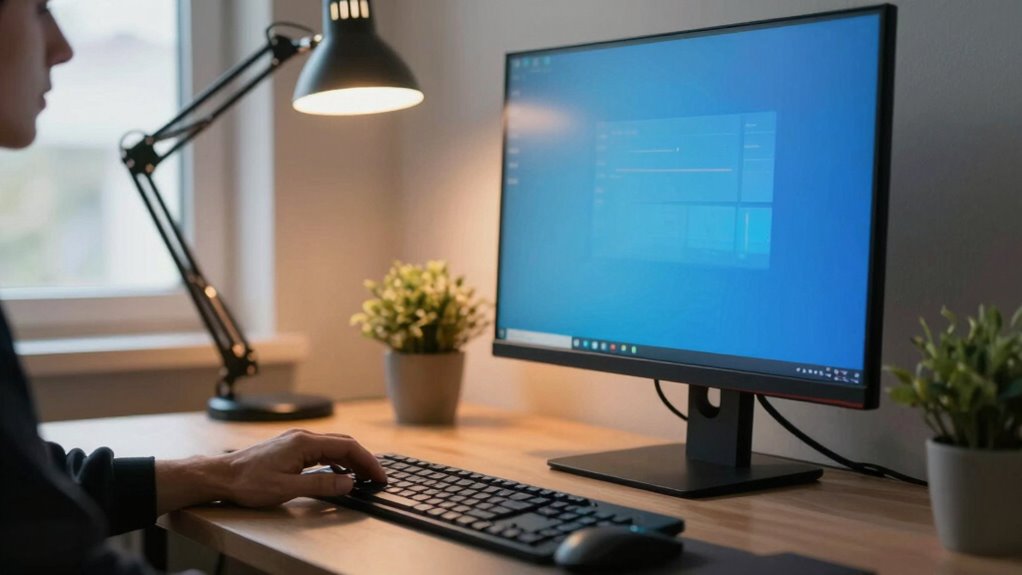
Creating an ergonomic workspace is essential for protecting your eye health. Start by choosing ergonomic furniture that supports good posture and reduces strain, like an adjustable chair and a desk at the right height. Proper positioning of your monitor is key—place it about an arm’s length away, with the top of the screen at or just below eye level. Ambient lighting also plays a crucial role; avoid harsh overhead lights or glare, and instead opt for soft, evenly distributed lighting that minimizes reflections on your screen. Use adjustable lamps if needed to enhance visibility without creating contrast issues. Maintaining this setup helps reduce eye fatigue and encourages healthier viewing habits, making your workspace both comfortable and eye-friendly.
How Can You Reduce Eye Strain in Daily Life?

To reduce eye strain in daily life, you should practice the 20-20-20 rule: every 20 minutes, look at something 20 feet away for at least 20 seconds. This simple habit helps relax your eye muscles and reduces fatigue. Be aware that many blue light myths suggest screens are the main cause of eye strain, but other factors like poor lighting or glare play a bigger role. To improve eye strain prevention, consider adjusting your workspace and habits.
- Use proper lighting to minimize glare
- Take regular breaks away from screens
- Keep screens at eye level
- Blink frequently to stay hydrated
Following these tips helps alleviate eye strain and promotes better eye health in everyday life.
When Should You See an Eye Doctor About Persistent Eye Discomfort?
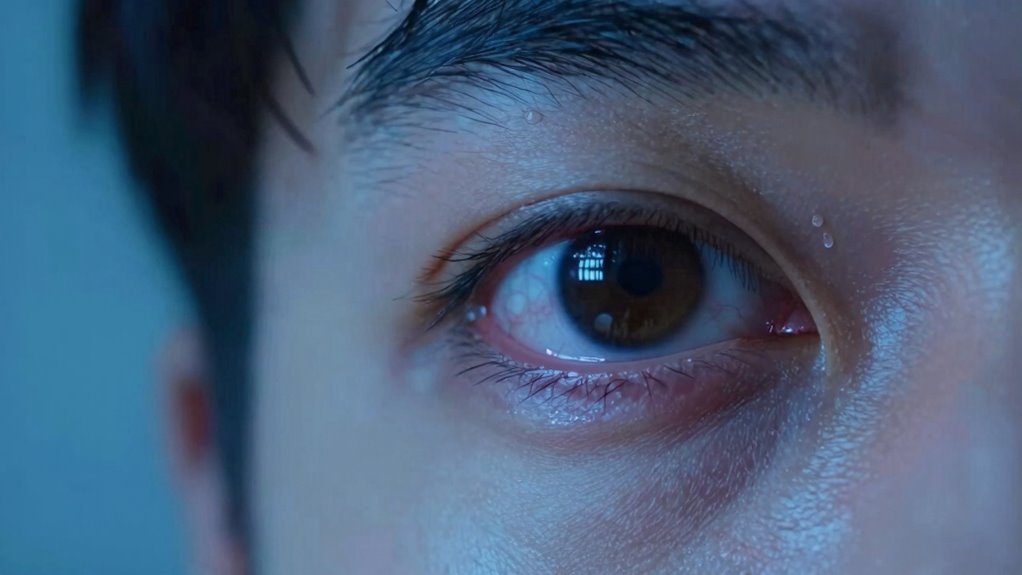
You should see an eye doctor if you experience persistent eye discomfort that doesn’t improve with rest or changes to your daily routine. If eye strain continues, it might be a sign of an underlying issue that needs professional evaluation. An eye doctor can determine if vision therapy or targeted eye exercises can help alleviate your symptoms. They may also check for conditions like dry eye, astigmatism, or other vision problems contributing to discomfort. Don’t overlook ongoing eye strain, especially if it worsens or is accompanied by pain, blurred vision, or headaches. Early intervention can prevent long-term damage and improve your eye health. Seeing a specialist ensures you get personalized treatment and the right strategies to manage your symptoms effectively.
Frequently Asked Questions
Are Certain Age Groups More Susceptible to Eye Strain From Screens?
Yes, certain age groups are more susceptible to eye strain from screens. Kids and teenagers with developing eyes are especially vulnerable because their eye development is still ongoing. Excessive screen time can lead to eye fatigue and discomfort, impacting focus and vision health. Adults aren’t immune, but younger individuals need to be particularly mindful of screen exposure to protect their developing eyes and prevent long-term issues.
Can Diet Impact Eye Health and Reduce Eye Strain Symptoms?
Think of your eyes as a garden needing proper nourishment. Yes, dietary modifications and nutritional supplements can help strengthen your eye health and ease strain. Eating foods rich in vitamins C, E, and omega-3s acts like watering and fertilizing your garden, promoting resilience. By maintaining a balanced diet, you support your eyes and reduce discomfort, making screen time less exhausting and more manageable.
Do Specific Medications Contribute to Increased Eye Discomfort?
Certain medications can contribute to increased eye discomfort through medication side effects, which may include dryness, blurred vision, or sensitivity. These drug-induced discomforts happen because some drugs decrease tear production or affect eye muscles, making your eyes more prone to fatigue and strain. If you notice heightened eye discomfort after starting a new medication, consult your doctor to discuss possible side effects and alternative treatments to reduce eye strain.
How Does Blue Light Exposure Compare to Other Screen-Related Stressors?
Blue light exposure isn’t the main cause of eye strain; instead, screen brightness and glare are bigger factors. When you keep your screen too bright or don’t reduce glare, your eyes work harder, leading to discomfort. To minimize stress, lower your screen brightness, enable glare reduction features, and take regular breaks. These steps help reduce eye fatigue more effectively than just worrying about blue light.
Are There Effective Exercises to Prevent or Reduce Eye Fatigue?
Imagine you’re a knight in shining armor, ready to battle eye fatigue. You can do eye relaxation and blinking exercises to help. Take breaks every 20 minutes, look away, and blink slowly to refresh your eyes. Try rolling your eyes or focusing on distant objects. These simple exercises reduce strain, improve comfort, and keep your vision sharp, making your screen time much easier to handle.
Conclusion
Think of your eyes as a delicate garden—requiring regular care and attention. While blue light gets blamed sometimes, many factors like lighting, blinking, and posture play bigger roles. By making small adjustments, you can keep your eyes healthy and happy, avoiding the weeds of discomfort. Remember, your eyes are your window to the world—treat them gently, and they’ll keep showing you life’s beauty for years to come.