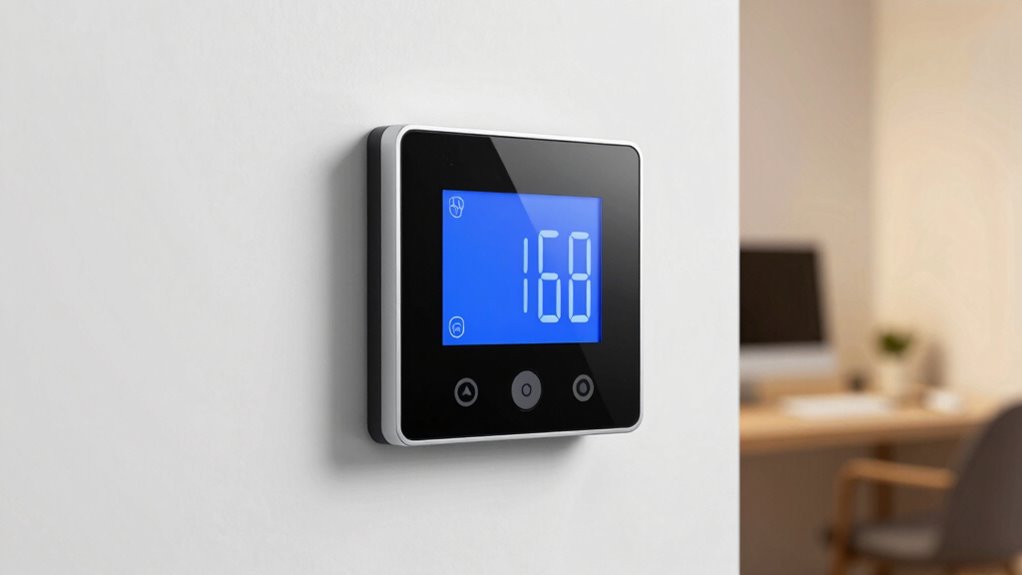

To work faster, set your thermostat between 68-72°F (20-22°C), as this range boosts focus and alertness. Cooler temperatures help reduce fatigue and improve concentration, while avoiding extremes prevents discomfort and sluggishness. Adjust gradually and pay attention to your body’s signals for the best comfort. If you want to discover more expert tips and personalized hacks, keep exploring how temperature tweaks can boost your productivity.
Key Takeaways
- Maintain your workspace temperature between 68-72°F (20-22°C) to boost alertness and cognitive performance.
- Use gradual thermostat adjustments to find the most comfortable temperature for increased focus.
- Incorporate airflow devices like fans or vents to ensure even temperature distribution and prevent hot/cold spots.
- Keep humidity levels between 40-60% to reduce discomfort and support mental clarity.
- Regularly monitor and tweak environmental factors, including temperature and air quality, for optimal work speed.
How Does Workspace Temperature Affect Your Focus and Brain Power?

Your workspace temperature directly influences your ability to concentrate and think clearly. When it’s too hot or cold, your focus wanes, and your productivity drops. Good air quality plays a vital role, as stale or stuffy air can cause fatigue and reduce alertness. Likewise, lighting conditions affect how well you can see and process information, impacting your mental clarity. A comfortable temperature helps maintain ideal air circulation, preventing stuffiness and ensuring fresh air reaches you. Proper lighting, combined with the right temperature, creates an environment that keeps you sharp and engaged. When these elements are balanced, your brain functions more efficiently, making it easier to stay attentive, process complex tasks, and perform at your best throughout the workday. Optimal environmental conditions can significantly boost your mental performance and sustained focus, as a well-regulated climate supports overall cognitive function. Additionally, maintaining consistent temperature levels helps reduce physical discomfort and stress, further enhancing your ability to focus. Implementing smart thermostats and automated climate control systems can optimize these environmental factors effortlessly.
The Science Behind Finding the Right Temperature to Work Faster

Finding the right temperature for work isn’t just about comfort—it’s rooted in science that directly impacts your productivity. Your body’s thermal regulation responds to the indoor climate, influencing alertness and efficiency. When the environment is too hot or cold, your brain works harder to maintain balance, which can slow you down. Ideal temperatures help your body stay in a steady state, reducing distractions and fatigue. Consider how comfort varies across individuals, yet research shows a common range enhances focus. Additionally, a comfortable indoor climate can positively influence your mood and motivation during work hours. Proper temperature regulation also supports thermal comfort, which is essential for sustained concentration and performance. Maintaining an optimal temperature can also help prevent thermal discomfort, which may lead to decreased focus and increased stress. Here’s a glimpse of emotional impacts related to temperature:
| Temperature Zone | Emotional State | Productivity Effect |
|---|---|---|
| Too Cold | Frustration, discomfort | Decreased focus |
| Optimal Range | Calm, alert | Enhanced efficiency |
| Too Hot | Restlessness, fatigue | Reduced performance |
| Perfect Climate | Comfort, confidence | Peak productivity |
Additionally, maintaining an appropriate temperature can help reduce stress and promote better concentration throughout your workday.
What Is the Best Temperature for Productivity? General Tips and Recommendations

Choosing the right temperature in your workspace can substantially boost your productivity and overall comfort. Experts recommend keeping the temperature around 68-72°F (20-22°C) for ideal focus. Humidity levels should stay between 40-60%, preventing dryness or dampness that can distract you. Proper airflow optimization is also vital; ensure your workspace isn’t stuffy or overly drafty, which can cause discomfort. A balanced environment helps maintain alertness and reduces fatigue. Adjust your thermostat slightly if you notice sluggishness or discomfort, but avoid extreme changes. Maintaining proper airflow is essential for creating a comfortable workspace environment. Consistency is key—your body adapts best when the temperature remains stable. Environmental stability plays a crucial role in sustaining concentration and energy levels. Additionally, monitoring humidity control can prevent issues like dry skin or mold growth that might interfere with focus. Using air circulation devices can help evenly distribute temperature and humidity, further enhancing comfort. Incorporating consistent temperature regulation can help prevent sudden shifts that disrupt your focus and energy. By managing humidity levels and airflow, you create a workspace that fosters concentration and efficiency, making it easier to stay productive throughout the day.
How Can You Test and Find Your Personal Comfort Zone? A Step-by-Step Guide
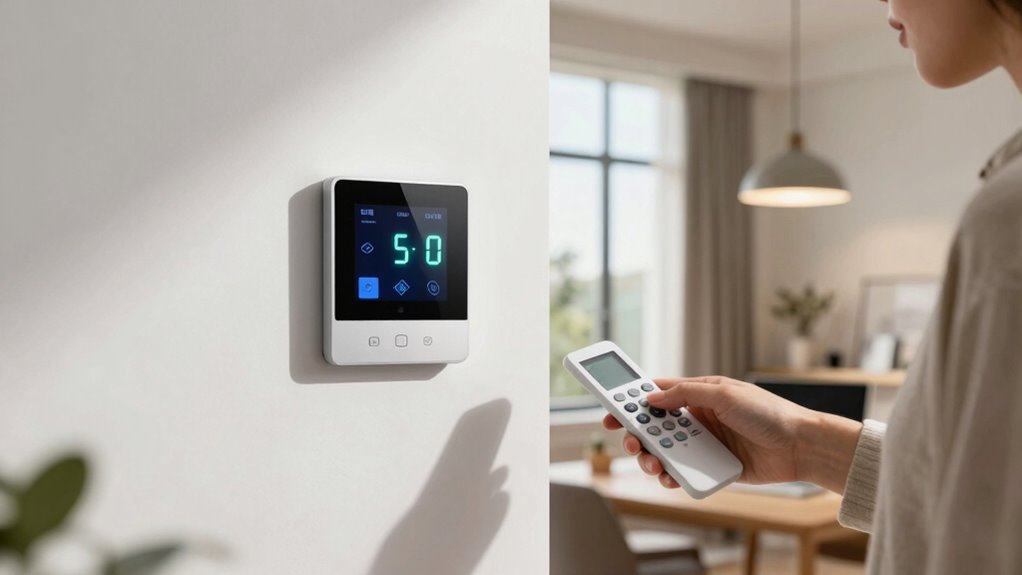
To identify your personal comfort zone, start by systematically testing different temperature settings in your workspace. Adjust the thermostat gradually and note how you feel at each point. Keep track of your comfort level and productivity to find the ideal temperature calibration. Utilizing energy-efficient technology can help optimize your environment for better comfort and lower energy consumption. This approach also aligns with standardization principles that ensure consistent assessment methods. Here’s a simple approach: 1. Set the thermostat to a baseline temperature and work for 15-20 minutes. 2. Increase or decrease the temperature by 2-degree increments. 3. Record your comfort and focus levels after each change. Repeat this process over several days to account for variability. Pay attention to how different temperatures affect your energy and concentration. This method helps you pinpoint the temperature that maximizes your personal comfort and productivity.
Practical Ways to Adjust Your Thermostat for Better Performance

Once you’ve identified your ideal temperature, the next step is to make practical adjustments that enhance comfort and performance. Focus on humidity control by using a humidifier or dehumidifier to maintain ideal moisture levels; this keeps the air from feeling too dry or damp, boosting comfort and focus. Additionally, improve air circulation by ensuring vents aren’t blocked and using fans to distribute air evenly. Proper air circulation prevents hot or cold spots, helping your workspace stay consistent. Adjust your thermostat gradually to avoid sudden changes that could disrupt your focus. Regularly monitor the environment, making small tweaks to humidity and airflow as needed. Understanding airflow management can further optimize your workspace environment. Incorporating ventilation strategies can also help maintain a fresh and balanced atmosphere. Paying attention to air quality can help detect issues early and maintain a healthier indoor environment. Effective air circulation not only enhances comfort but also boosts productivity by creating a more stable environment. Additionally, considering thermal behavior can help you better anticipate how your space responds to adjustments. These simple adjustments create a balanced, comfortable atmosphere, helping you work faster and more efficiently.
Common Mistakes When Setting Your Workspace Temperature: And How to Avoid Them

One common mistake is ignoring your personal comfort, which can lead to constant adjustments and frustration. Another is forgetting to contemplate room size, causing your thermostat to be set too high or too low. Additionally, neglecting to consider air purifier maintenance can result in decreased air quality, indirectly affecting your comfort and productivity. Regularly inspecting and maintaining your air quality devices supports a healthier and more conducive workspace environment, aligning with the principles of personal well-being. By paying attention to these factors, you can create a more consistent and comfortable workspace environment.
Ignoring Personal Comfort
Ignoring your personal comfort when setting your workspace temperature can lead to decreased productivity and increased frustration. Your temperature perception varies based on individual preferences, so a one-size-fits-all approach often backfires. To avoid this mistake, consider these tips:
- Adjust the thermostat gradually, monitoring how your comfort level changes.
- Use a small fan or heater to fine-tune your environment without overhauling the entire room.
- Pay attention to your body’s signals—if you’re shivering or sweating, it’s time to modify the temperature.
- Remember that everyday safety includes being attentive to your body’s responses to environmental changes.
Overlooking Room Size
Many people underestimate how room size impacts temperature effectiveness, which can lead to uneven heating or cooling. Larger rooms require more airflow and higher settings, while smaller spaces heat up or cool down quickly. Overlooking room size can cause your thermostat to underperform, making your workspace uncomfortable. Additionally, neglecting to consider windows is a common mistake. Windows let in sunlight and outside air, affecting your room’s temperature and causing fluctuations. If you ignore these factors, you might set a temperature that’s too high or too low, wasting energy and reducing comfort. To avoid this, measure your room’s size and account for windows when adjusting your thermostat. Properly contemplating room size and windows ensures consistent comfort and ideal energy use.
Does Temperature Impact Different Tasks Differently? What You Need to Know

You might notice that the right temperature can boost your focus and mental clarity, especially during demanding tasks. For physical activities, comfort levels directly affect your performance and safety. When it comes to creativity, environmental factors like temperature can influence how freely your ideas flow.
Temperature and Cognitive Function
Temperature can markedly influence how well you perform different tasks, but its effects aren’t uniform across all activities. For cognitive functions, temperature impacts your climate and mood, which in turn affects productivity. When thermal comfort is disrupted, your focus and decision-making decline. Understanding these nuances can help you optimize your environment. Consider these key points:
- Cooler temperatures (around 20-22°C) tend to boost alertness and concentration.
- Slightly warmer settings may improve creativity but can cause sluggishness.
- Extreme temperatures impair memory and problem-solving abilities.
Adjusting your workspace to maintain consistent thermal comfort supports better cognitive performance. Recognizing how temperature impacts mental tasks helps you create a more effective environment, enhancing your productivity and overall mood.
Physical Tasks and Comfort
While ideal thermal conditions support cognitive tasks, physical activities respond differently to temperature changes. Cooler environments can help you maintain ergonomic posture during tasks like lifting or assembly, but if it’s too cold, muscles stiffen, increasing injury risk. Warmer settings may relax muscles but hinder movement precision. Air quality also plays a role; good ventilation reduces fatigue and discomfort, helping you stay focused on physical tasks. To optimize comfort, set your thermostat to a moderate temperature that balances air quality and muscle flexibility. Consider this table:
| Temperature Range | Effect on Physical Tasks | Recommendations |
|---|---|---|
| 65–68°F | Stiff muscles, injury risk | Keep slightly warmer |
| 69–72°F | Comfortable, flexible muscles | Maintain ergonomic posture |
| 73–75°F | Slightly relaxed muscles | Ensure good air quality |
| Above 75°F | Overheating, fatigue | Increase ventilation |
Creativity and Environmental Factors
Different tasks respond uniquely to environmental factors, and creativity is no exception. Climate control and ambient conditions considerably influence your creative output. Here’s what you need to know:
- Optimal Temperatures: Cooler environments (around 68-72°F) often enhance creative thinking by reducing distractions.
- Too Hot or Cold: Extreme temperatures can impair focus, making it harder to generate ideas or solve problems.
- Personal Preferences: Individual comfort varies; adjusting ambient conditions to your preference boosts your creative flow.
Understanding how temperature impacts different tasks helps you fine-tune your environment. By managing climate control effectively, you create a space that fosters innovation and productivity, rather than hindering it.
Combining Temperature Tips With Other Productivity Strategies for Maximum Results

To maximize your productivity, it’s essential to combine temperature adjustments with other proven strategies. Use ergonomic accessories to improve comfort and reduce physical strain, helping you stay focused longer. Pair this with ideal ambient lighting to reduce eye strain and boost alertness. Adjusting your workspace environment creates a foundation for productivity, but integrating habits like regular breaks or task prioritization enhances your efficiency. Setting a comfortable temperature at the right time can amplify these effects, keeping you energized throughout the day. When you synchronize these strategies, your workspace becomes a seamless environment that supports sustained focus and faster work. Remember, small environmental tweaks can greatly impact your overall productivity when combined thoughtfully.
Frequently Asked Questions
How Does Humidity Interact With Thermostat Settings to Influence Productivity?
Humidity levels profoundly influence how thermostat settings affect your productivity. When humidity is high, you might feel warmer and less comfortable, even if the temperature is ideal. Lowering the thermostat can help, but if humidity remains high, it won’t boost your comfort perception or efficiency. Maintaining balanced humidity levels—around 40-50%—ensures your environment stays comfortable, so you stay focused and work faster without feeling sticky or sluggish.
Can Cooling or Heating Devices Improve Focus Without Changing Room Temperature?
Imagine a heated desk warming your legs or personal cooling devices lowering your neck’s temperature; these tools can boost focus without changing the overall room temperature. Personal cooling helps you stay alert during long work sessions, while heated desks can keep you comfortable in colder environments. Using these devices allows you to maintain ideal focus, much like tuning a guitar string perfectly—precise control leads to better performance.
What Are the Health Risks of Extreme Workspace Temperatures?
Extreme workspace temperatures can pose health risks like thermal stress, which strains your body’s ability to regulate heat. Prolonged exposure increases your cardiovascular risk, putting extra strain on your heart and blood vessels. You might experience dizziness, headaches, or even heat exhaustion in heat, or hypothermia in cold environments. To stay safe, maintain a comfortable temperature and take regular breaks to prevent thermal stress and protect your cardiovascular health.
How Do Individual Differences Affect Optimal Temperature for Work?
You’ll find that personal comfort varies greatly, affecting your cognitive performance. Individual differences like age, gender, and activity level influence how you perceive temperature, making a one-size-fits-all thermostat ineffective. When your environment aligns with your personal comfort, you work more efficiently. Pay attention to your body’s signals, and adjust the temperature accordingly. Ultimately, tailoring your workspace to your needs boosts focus, productivity, and overall well-being.
Are There Technological Tools to Automate Optimal Temperature Adjustments?
Yes, you can automate ideal temperature adjustments with smart thermostats and environmental sensors. These tools learn your preferences and detect changes in room conditions, adjusting the temperature automatically for comfort and productivity. By integrating smart thermostats with sensors, you guarantee the environment stays perfect without manual tweaks, helping you stay focused and efficient. This technology makes maintaining the perfect workspace climate effortless, tailored to your needs.
Conclusion
Finding the right workspace temperature can be a game-changer for your productivity. When you tweak the thermostat to match your personal comfort zone, you’ll work smarter, not harder. Don’t let the temperature be the elephant in the room—address it, and watch your focus soar. Remember, a little adjustment can go a long way, so don’t be afraid to experiment. After all, sometimes you have to find the right temperature to turn the heat up on your performance.