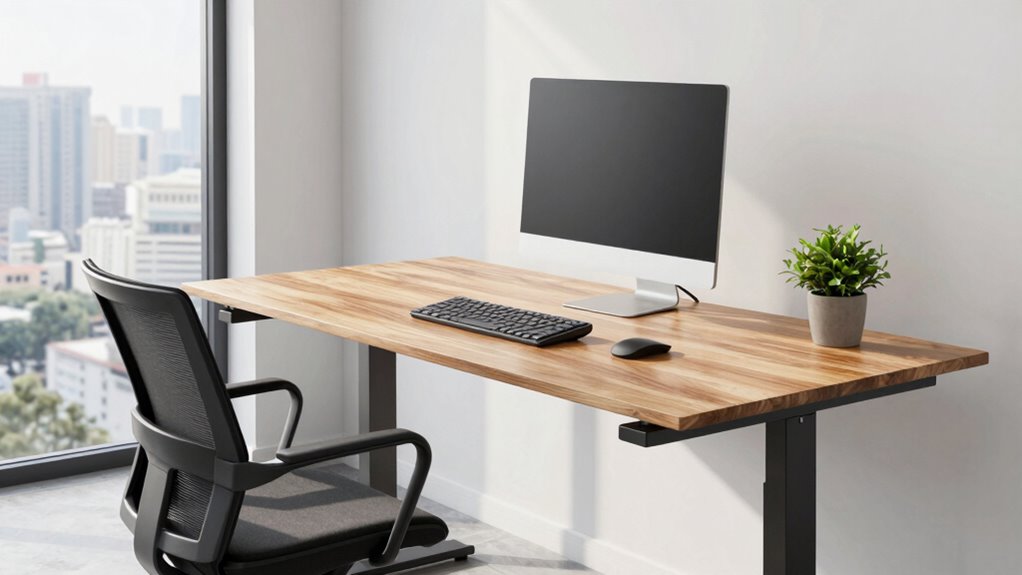

The best height for your standing desk is when your elbows are at about a 90-degree angle, with your forearms parallel to the ground. Your monitor should be at or just below eye level for a neutral neck position. Keep your feet flat and avoid locking your knees for comfort. Adjust the desk so your body feels supported and aligned. For more detailed tips on finding the perfect height, keep exploring how to optimize your workspace.
Key Takeaways
- The ideal standing desk height allows elbows to form approximately 90-degree angles when standing comfortably.
- Monitor top should be at or just below eye level to maintain a neutral neck position.
- Feet should be flat on the floor or supported by a footrest for proper alignment.
- Adjust the desk so forearms are parallel to the ground during use.
- Use adjustable desks or converters to tailor height precisely to your body proportions.
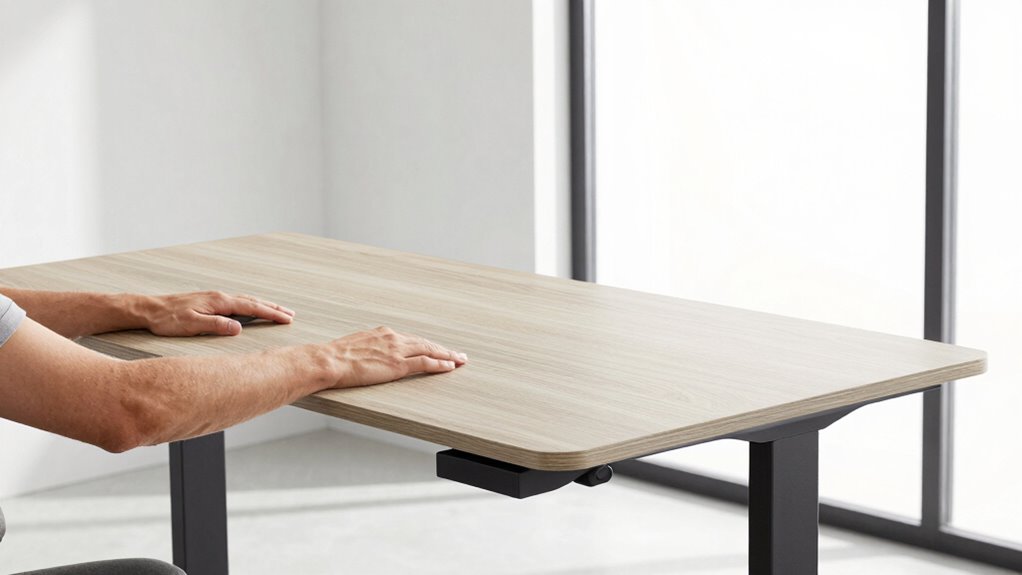
Have you ever wondered what the perfect height for a standing desk is? Achieving the right height isn’t just about comfort; it’s about making ergonomic adjustments that promote better posture and prevent strain. When your desk is set at the correct height, you’ll naturally align your body in a way that reduces unnecessary stress on your neck, shoulders, and back. This alignment is essential because it helps you avoid common issues like musculoskeletal pain, fatigue, and repetitive strain injuries. Plus, the health benefits of using a properly adjusted standing desk extend beyond immediate comfort—they can enhance your overall well-being and even boost productivity over time.
Proper desk height promotes better posture, reduces strain, and enhances overall well-being and productivity.
To find the ideal standing desk height, start by focusing on your body’s natural position. When standing comfortably at your desk, your elbows should form roughly a 90-degree angle, with your forearms parallel to the ground. Your wrists should be straight, not bent up or down, when typing or using a mouse. Your monitor should be positioned so that the top of the screen is at or just below eye level, allowing you to look straight ahead without tilting your head up or down. This setup ensures your neck remains in a neutral position, which is *essential* for ergonomic health. Remember, the goal is to create a workspace that supports your natural posture, minimizing awkward movements and unnecessary strain. Proper desk height adjustment is crucial because it directly impacts your ability to maintain proper alignment and comfort throughout the day. Understanding the importance of ergonomic principles can help you make more informed setup choices, especially since ergonomics plays a key role in preventing discomfort and injury. Additionally, considering body proportions can help you tailor your setup even more precisely for maximum comfort.
Adjustments should be quick and easy, so look for desks that offer adjustable height settings or consider adding a desk converter if your current desk isn’t flexible enough. Once set, take a moment to check your stance and make minor tweaks if necessary. It’s important to keep your feet flat on the floor or on a supportive mat, and avoid locking your knees, which can lead to discomfort over prolonged periods. Incorporating ergonomic accessories like a footrest or an anti-fatigue mat can further promote proper posture and comfort.
In the end, the best height for your standing desk isn’t a fixed number but a position tailored to your body’s proportions. By making ergonomic adjustments that prioritize your health benefits, you’ll find yourself standing comfortably for longer periods, reducing the risk of pain and fatigue. Proper setup isn’t just about convenience; it’s a *crucial* step toward a healthier, more productive work routine. When you stand at the right height, you’re investing in your health and creating a workspace that supports your well-being now and into the future.

ErGear Height Adjustable Electric Standing Desk, 48 x 24 Inches Sit Stand up Desk, Memory Computer Home Office Desk, Black
Electric Height Adjustable Standing Desk for Comfortable Work – Switch effortlessly between sitting and standing with this electric…
As an affiliate, we earn on qualifying purchases.
As an affiliate, we earn on qualifying purchases.
Frequently Asked Questions
How Does Desk Height Affect Posture and Back Pain?
Your desk height directly impacts your posture and back pain. When set correctly, it encourages you to sit or stand with a neutral spine, reducing strain. An ergonomic chair and proper foot positioning help maintain comfort and alignment. If your desk is too high or low, it can cause slouching or overextending, leading to discomfort and back pain. Adjust your desk to keep your elbows at a 90-degree angle for maximum support.
Should the Monitor Height Change With Desk Height?
You should adjust your monitor height with your desk to optimize desk ergonomics and prevent neck strain. Even if it feels like extra effort, aligning your monitor so the top is at eye level ensures proper posture. Proper monitor placement reduces eye and neck tension, making your workspace more comfortable. Remember, a well-set-up desk promotes better productivity and long-term comfort, so don’t overlook modifying your monitor as you change your standing desk height.
What’s the Ideal Standing Desk Height for Different Professions?
The ideal standing desk height varies by profession, but generally, you want the desk surface at elbow level to guarantee comfort. Keep in mind your leg clearance; your hips should be slightly higher than your knees, with enough space to move freely. For detailed adjustments, consider your specific tasks—artists need more space, while programmers might prefer a slightly lower height for better ergonomics.
How Often Should I Adjust My Standing Desk Height During the Day?
You should adjust your standing desk height every 30 to 60 minutes to prevent strain. Use your ergonomic chair for sitting breaks and guarantee proper footrest placement when standing, keeping your feet flat and hips relaxed. Regular adjustments help reduce fatigue and promote better posture. Listen to your body—if you feel discomfort or stiffness, it’s time to change the desk height or sit down for a bit.
Are There Ergonomic Accessories to Complement a Standing Desk?
Like a tailor customizing a suit, you can enhance your standing desk with ergonomic accessories for perfect desk customization. Items like adjustable monitor arms, anti-fatigue mats, footrests, and keyboard trays support proper posture and reduce strain. These accessories work together to make your workspace more comfortable, helping you stay productive and healthy throughout your workday. Incorporating ergonomic tools guarantees your setup adapts seamlessly to your needs.

VIVO 32 inch Desk Converter, K Series, Height Adjustable Sit to Stand Riser, Dual Monitor and Laptop Workstation with Wide Keyboard Tray, Black, DESK-V000K
Create Instant Active Standing – VIVO’s desk riser provides on-demand standing throughout the day for the freedom to…
As an affiliate, we earn on qualifying purchases.
As an affiliate, we earn on qualifying purchases.
Conclusion
Now that you know the perfect height for your standing desk, you’re all set to stand confidently and comfortably. Remember, finding that flawless fit fosters focus, prevents pain, and promotes productivity. Set your stance, seize your space, and savor the satisfying sensation of a perfectly positioned workstation. With the right height, you’ll stand strong and succeed, turning your desk into a dynamic, delightful domain where every detail diligently supports your day.

HUANUO FlowLift™ Dual Monitor Stand, Fully Adjustable Gaming Monitor Desk Mount for 13–32″ Computer Screens, Full Motion VESA 75×75/100×100 with C-Clamp & Grommet Base, Each Arm Holds 4.4 to 19.8 lbs
Compatible with Wide Screens – To ensure compatibility with the dual monitor mount, your each monitor must meet…
As an affiliate, we earn on qualifying purchases.
As an affiliate, we earn on qualifying purchases.

Aluminum Alloy for Adults and childrenHeight Measurement,Height Measure,Portable Height Measuring Rod(Error Accuracy is Adjustable),for Home, Gym, Physical Examination, Medical use,8-85 in/20-217 cm
High quality: The portable height measuring pole is made of all-aluminum alloy. The scale lines and numbers are…
As an affiliate, we earn on qualifying purchases.
As an affiliate, we earn on qualifying purchases.