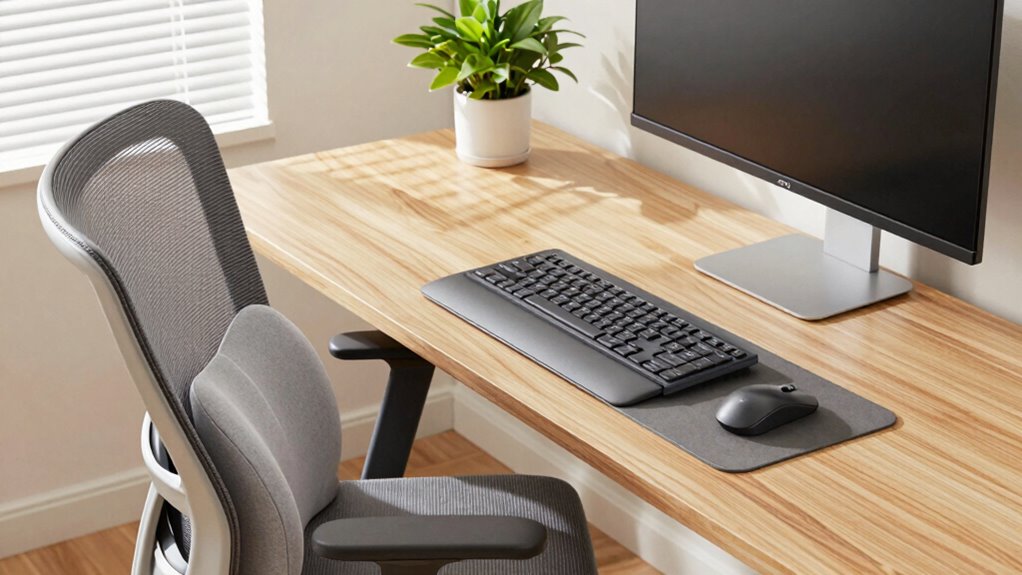

To give your desk a quick ergonomic reset, start by adjusting your chair height so your feet rest flat and your knees are at a 90° angle. Reposition your monitor to eye level and sit back fully in your chair for better lower back support. Tidy your workspace to reduce clutter and unnecessary movement. These small changes naturally promote better posture and comfort. Keep going to discover more simple tips that will transform your workspace into a healthier environment.
Key Takeaways
- Reorganize your workspace to reduce clutter and unnecessary movements, promoting better posture and workflow.
- Adjust chair height and monitor position to ensure proper alignment and prevent neck or back strain.
- Add lumbar support and ergonomic accessories for enhanced lower back comfort and overall support.
- Regularly review and fine-tune your setup to maintain ergonomic benefits and prevent discomfort.
- Incorporate ergonomic principles into daily habits to improve comfort, focus, and long-term health.
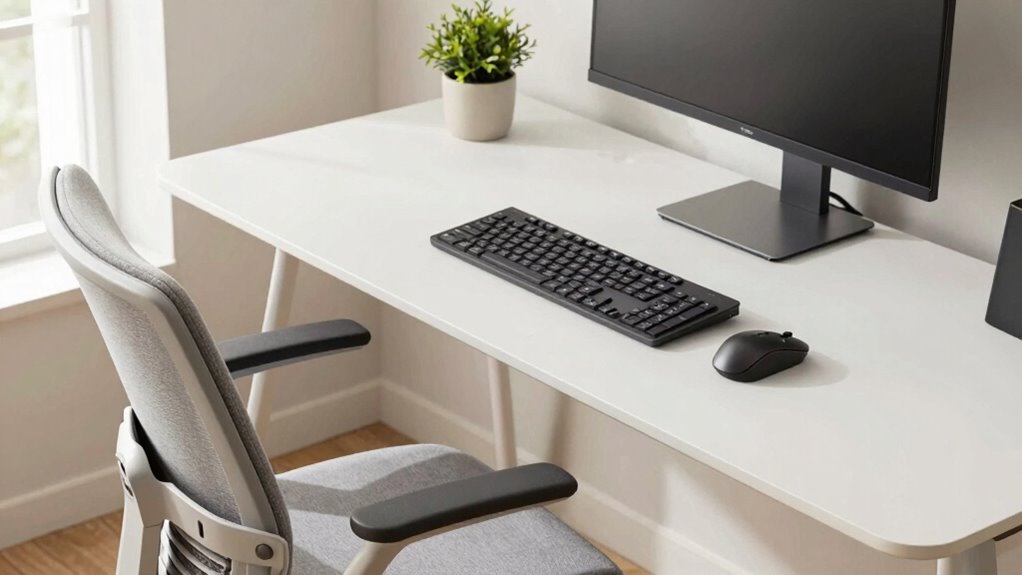
Have you ever felt the discomfort that comes from poor workspace setup? It sneaks up on you—aching neck, sore shoulders, and a back that feels stiff after hours of work. That discomfort often stems from neglecting proper ergonomic principles, but the good news is, you can make a simple yet powerful change. An ergonomic reset can completely transform your desk experience, making every task feel more comfortable and less tiring. The first step is focusing on posture improvement. When your body is aligned correctly, you reduce strain on muscles and joints, which means fewer aches and better focus. Adjust your chair height so your feet rest flat on the floor and your knees are at a 90-degree angle. Sit back in your chair so your lower back is supported, preventing slouching and promoting spinal health. Keep your monitor at eye level to avoid tilting your head up or down, which can cause neck strain. When your screen is positioned correctly, you don’t have to crane your neck or lean forward, helping to improve your overall posture. Maintaining proper workspace organization also supports ergonomic health by reducing unnecessary movements and fostering better habits. When your workspace is organized, you minimize distractions and create a flow that promotes better posture naturally. This setup encourages you to sit correctly rather than slouch or hunch over your desk. Additionally, understanding ergonomic principles can help you identify other small adjustments that make a significant difference. Incorporating knowledge about proper ergonomic setup into your daily routine ensures long-term benefits and helps prevent discomfort before it starts.
A quick ergonomic reset doesn’t have to take hours or involve costly equipment. Small adjustments—like repositioning your monitor, tidying your desk, or adding lumbar support—can greatly improve your comfort and productivity. Remember, consistency is key; regularly reviewing and adjusting your workspace ensures you maintain these benefits over time. By focusing on posture improvement and workspace organization, you’re not just making your desk more comfortable—you’re investing in your health and well-being. A well-organized, ergonomically optimized workspace helps you stay alert, reduces fatigue, and keeps you pain-free throughout the day. It’s a simple reset that yields lasting results, transforming your daily work routine into a more comfortable, efficient experience.

Lumbar Support Pillow for Office Chair, Office Home Essentials,Gifts for Mom,Dad, Back Support Pillow for Car, Chair Cushions,Back Pain Relief Improve Posture,Mesh Cover Double Adjustable Straps
For convenience and durability, we upgraded and lengthened the straps to fit more chairs instead of adding extra…
As an affiliate, we earn on qualifying purchases.
As an affiliate, we earn on qualifying purchases.
Frequently Asked Questions
How Often Should I Perform an Ergonomic Reset During the Workday?
You should perform an ergonomic reset every hour during your workday. Adjust your desk height if you notice your shoulders tensing or your wrists feeling strained, ensuring your keyboard placement keeps your arms relaxed and wrists straight. Take a moment to stand, stretch, and realign your monitor. Regular resets help prevent discomfort, improve posture, and keep your workspace feeling fresh and supportive throughout the day.
Can Ergonomic Resets Improve Long-Term Posture Issues?
Think of ergonomic resets as gentle rain that slowly clears away the fog of muscular tension and poor posture. Yes, they can improve long-term posture issues by reinforcing proper alignment and easing strain. With consistent posture correction, you rebuild healthy habits, transforming your desk into a sanctuary of comfort. Over time, these resets help straighten your spine’s story, reducing pain and fostering a stronger, more resilient body.
What Tools or Accessories Assist in an Ergonomic Reset?
You can use adjustable monitor stands and keyboard trays to assist in an ergonomic reset. These tools help you set the monitor height at eye level and position your keyboard correctly, reducing strain on your neck and wrists. Additionally, ergonomic mousepads and footrests can enhance comfort. By customizing your setup with these accessories, you promote better posture and reduce discomfort during long work hours.
Is Ergonomic Resetting Suitable for All Types of Desks and Chairs?
Think of ergonomic resetting like tuning a musical instrument—you can adapt it to fit most desks and chairs. You’ll want to focus on chair adjustments, like height and lumbar support, and set your desk height to guarantee your keyboard and monitor are at comfortable levels. While some setups may need extra tweaks or accessories, most desks and chairs can benefit from this reset, making your workspace more comfortable and efficient.
How Do I Know if My Workspace Is Ergonomically Optimized?
You can tell if your workspace is ergonomically optimized by evaluating your desk setup through ergonomic assessments. Check if your chair supports your lower back and allows your feet to rest flat on the floor. Make certain your monitor is at eye level and your keyboard and mouse are within comfortable reach. If these elements feel natural and reduce strain, your workspace is well-optimized; if not, adjustments are needed.

WALI Computer Monitor Stand for Desk, Adjustable Laptop Riser, Desk Monitor Stand Underneath Storage for Office, Home, School Supplies (STT003), 1 Pack, Black
Design: The monitor stand for the desk has a large 14.6 x 9.3 inches metal shelf that fits…
As an affiliate, we earn on qualifying purchases.
As an affiliate, we earn on qualifying purchases.
Conclusion
Think of your desk as a garden that needs regular tending. When you reset your ergonomics, you’re pruning away discomfort and planting seeds of good posture. It’s a simple act that can transform your workspace into a thriving oasis of comfort. Just like a garden flourishes with care, your body benefits from these mindful adjustments. Keep tending to your setup, and watch your productivity and well-being bloom effortlessly.

Ergonomic Office Chair with Footrest – Adjustable Lumbar Support & Headrest, 90-160° Reclining Mesh Back Computer Chair – Home Office/Gaming, 350lbs Capacity
This is more than a chair; it's a personalized comfort zone for work, rest, and play. We've meticulously…
As an affiliate, we earn on qualifying purchases.
As an affiliate, we earn on qualifying purchases.

SKYDUE 360 Rotating Plastic Desk Pen Organizer with 5 Slots, Dual-Purpose Art Supply Pencil Cup for Office, School, Home
Space-Saving: The design of 5 compartments provides enough storage capacity without taking up a lot of desktop space….
As an affiliate, we earn on qualifying purchases.
As an affiliate, we earn on qualifying purchases.