
🔍 Read the full analysis: How To Check Your Chrome Version After The XML Zero-Day Alert on ThorstenMeyerAI.com

Get the latest gadgets delivered free with Prime
- Fast, free delivery on millions of items
- Prime Video, Amazon Music and more included
- Member-only deals all year
TL;DR
Google released Chrome security updates on November 9, 2026, including a fix for high-severity XML flaw CVE-2026-125350, which Google says is being exploited in the wild. Check Chrome’s About page or Google Play for the fixed version, then restart the browser; other Chromium-based browsers need their own vendor updates.
Google released Chrome security updates on November 9 that fix CVE-2026-125350, a high-severity use-after-free flaw in Chrome’s XML component that the company says is being exploited in the wild. Users should check their browser version and install the update available for their platform, then relaunch Chrome to apply it.
Google’s fixed desktop versions are 157.0.8103.50 or .51 for Windows and Mac and 157.0.8103.50 for Linux. For Android, the update is Chrome 157, version 157.0.8103.50. Organizations using the Extended Stable channel should look for 156.0.8078.96 on Windows and Mac. Google says desktop releases will roll out over the coming days or weeks, while the Android update is expected to become available through Google Play over the next few days.
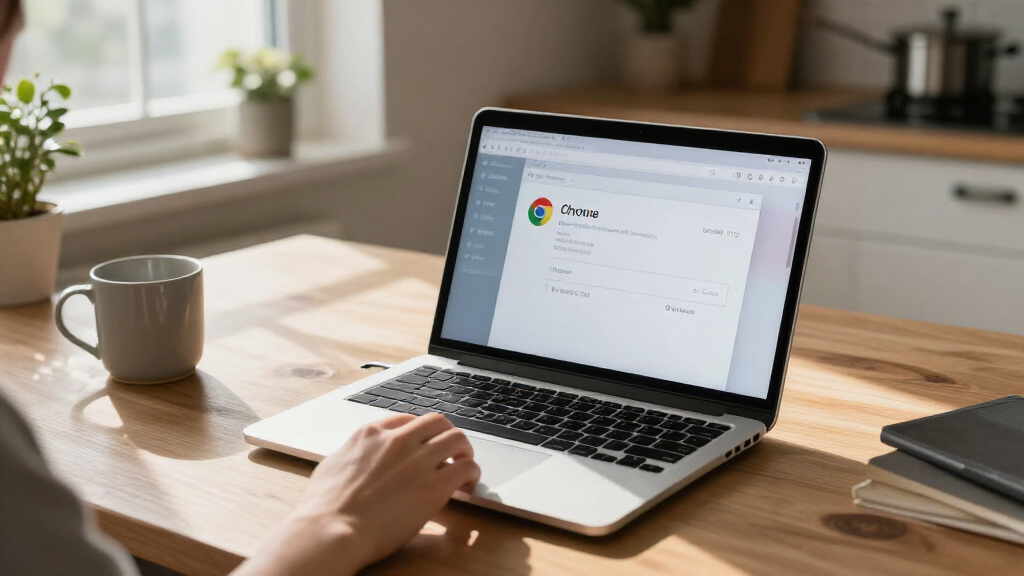
To check Chrome on a computer, open the three-dot menu, select Help, then About Google Chrome. That page shows the installed version and checks for updates. If Chrome downloads one, select Relaunch; the browser needs to restart before the update is active. On Android, check Google Play for a Chrome update. The installed version appears in Chrome’s Settings under About Chrome.
The update includes nine security fixes, according to the supplied report. Google also fixed another XML use-after-free flaw, CVE-2026-125346, which it does not identify as exploited. The report says an anonymous researcher submitted the zero-day on November 6, three days before Google published the fix.
Check Chrome for the XML zero-day fix
Google says CVE-2026-125350 is being exploited in the wild. Check for the update and relaunch Chrome to apply it.
Check and restart Chrome
On a computer, About Google Chrome shows your version and checks for updates.
Select the three-dot menu, then Help and About Google Chrome.
If Chrome offers an update, let it download.
Restart Chrome to make the update active.
Check other platforms
- Check Google Play for a Chrome update.
- Find the installed version in Chrome Settings under About Chrome.
- Check your browser maker’s release notes and update channel.
- Chrome updates do not automatically update Edge, Brave, Vivaldi, Opera, or other browsers.
What is known
XML memory flaw
Google describes CVE-2026-125350 as a use-after-free in Chrome’s XML component.
Attacks reported
Google says an exploit exists in the wild, but has not identified attackers or targets.
Updates arrive over time
Desktop releases roll out over coming days or weeks; Android availability is expected through Google Play over the next few days.
Why the Chrome Restart Matters
Google’s warning that an exploit exists in the wild means the vulnerability is not just a theoretical defect: the company says it is already being used in attacks. Google has not disclosed who is behind those attacks or who may have been targeted, so users cannot assess their individual exposure from the public information alone. Installing the fix reduces the risk from this specific flaw once the update is available and Chrome has restarted.
The issue also matters for people who use browsers built on Chromium, the open-source project underlying Chrome. Google’s Chrome update does not automatically update every Chromium-based browser. Each browser maker must ship and distribute its own release, so users of alternatives should verify the status with that vendor rather than assume Chrome’s fix is already present.
Products Worth Considering

DJI Osmo Mobile 8 3-Axis Phone Gimbal Stabilizer

Samsung Galaxy Tab A9+ 11-Inch Android Tablet, 64GB, Graphite

Samsung Galaxy Tab S7 11-inch Android Tablet 128GB Wi‑Fi with S Pen Mystic Black
As an affiliate, we earn on qualifying purchases.
The Fix and Its Release Timeline
Google describes CVE-2026-125350 as a “use after free in XML” and rates it high severity. A use-after-free is a memory-handling error: software may attempt to use memory after it has been released. The supplied report says such bugs can cause crashes or data corruption and, in some cases, may enable code execution; Google has not publicly explained the exploit’s mechanics or confirmed what it can do in this instance.
The report counts this as the eighth Chrome vulnerability in 2026 for which Google has said an exploit exists in the wild. That count is based on Google’s release notes, as described by the source. It also reports that four of those eight flaws affected V8, Chrome’s JavaScript engine. Those figures provide a tally of disclosures, not a measure of how many people were attacked or how widespread exploitation has been.
Other browser makers were at different stages in the information available on November 10. Microsoft said it was aware of the exploits and working on an Edge fix, but had not listed a fixed version. Vivaldi said its desktop update included the fix, and the report identified a Brave release based on the patched Chromium version. The source found no Opera desktop announcement mentioning the flaw at that time. These vendor statuses can change as updates are published.
““Google is aware that an exploit for CVE-2026-125350 exists in the wild.””
— Google, in its Chrome security release notes
What the Public Advisory Leaves Open
Google has not publicly explained how the exploit works, who is using it, whom the attacks target, or how many users may have encountered them. The company is restricting technical details for now. The source material does not establish whether attacks require a particular user action or what conditions are needed for exploitation.
Availability also depends on platform and vendor. Google’s notes describe a rollout over days or weeks, and the source found no Chrome for iOS or ChromeOS release notice mentioning the flaw as of November 10. That does not establish that those products are affected or unaffected; users should check for later vendor guidance. The status of other Chromium-based browsers may also change after the source’s November 10 check.
Check for Updates Across Browsers
Chrome users should check the About Google Chrome page, install the offered update, and relaunch the browser. Android users should check Google Play and confirm the version in Chrome’s settings. If the fixed release is not yet offered, check again as Google’s rollout continues.
Users of Edge, Brave, Vivaldi, Opera, or another Chromium-based browser should consult that browser maker’s release notes and update channel for a version that includes the fix. Google’s Chrome version numbers do not by themselves confirm that another browser has received the same patch. Further technical details and platform-specific guidance may follow as Google and other vendors publish updates.
Key Questions
How do I check my Chrome version on a computer?
Open Chrome’s three-dot menu, choose Help, then About Google Chrome. The page displays your version and checks for an update.
Which Chrome versions contain the fix?
Google lists 157.0.8103.50 or .51 for Windows and Mac, 157.0.8103.50 for Linux, and Chrome 157, version 157.0.8103.50, for Android. Extended Stable users on Windows and Mac should look for 156.0.8078.96.
Is the fix active as soon as Chrome downloads it?
No. After Chrome downloads an update, select Relaunch to restart the browser and apply it.
Does updating Chrome also update Edge or other Chromium browsers?
No. Each browser vendor distributes its own updates. Check the release notes or update settings for the browser you use.
What is known about the attacks?
Google says an exploit for CVE-2026-125350 exists in the wild. Public information cited here does not identify the attackers or targets, explain the exploit, or state how many users were affected.
Source: ThorstenMeyerAI.com