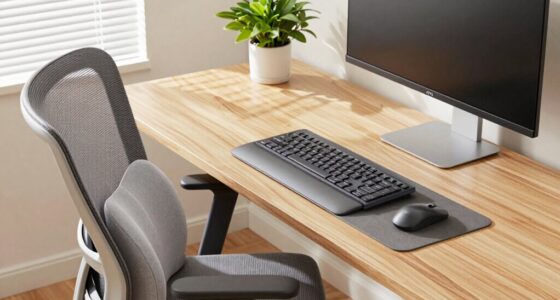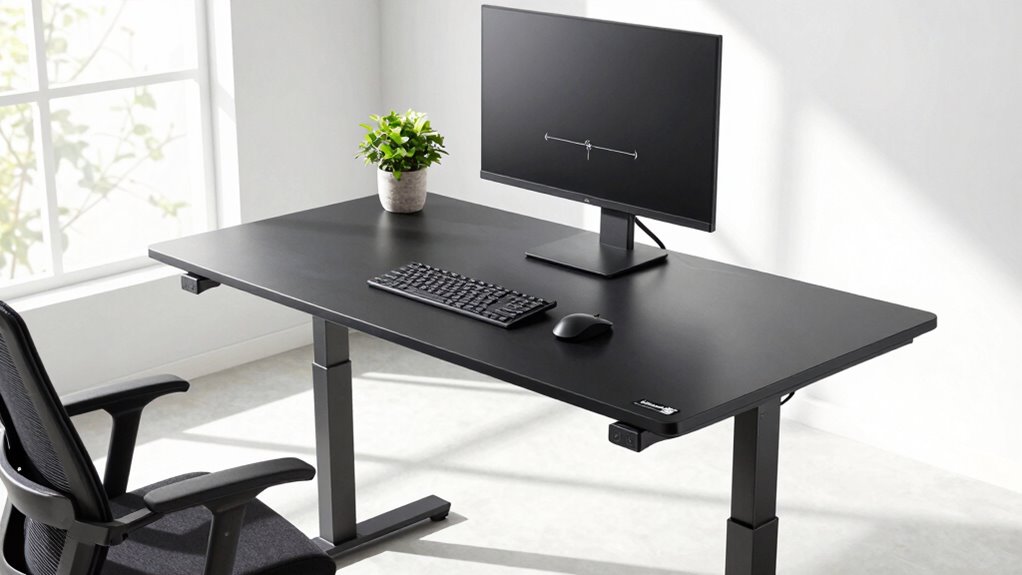

To make your standing desk really help, you need to get it at the right height for your body. Adjust it so your elbows are at about a 90° angle and your monitor is at eye level, preventing neck and eye strain. Small tweaks in height can make a big difference in comfort and posture. Your setup isn’t ideal until these key adjustments are made—keep going to discover how to fine-tune everything for lasting relief.
Key Takeaways
- Ensure your monitor is at eye level to prevent neck strain and promote proper visual alignment.
- Adjust your desk or standing height so your elbows are at approximately 90° when typing.
- Use an anti-fatigue mat to support your feet and reduce lower back and leg pressure.
- Incorporate regular movement and stretching to prevent stiffness and improve circulation.
- Fine-tune your keyboard and monitor placement for optimal ergonomic comfort and posture.
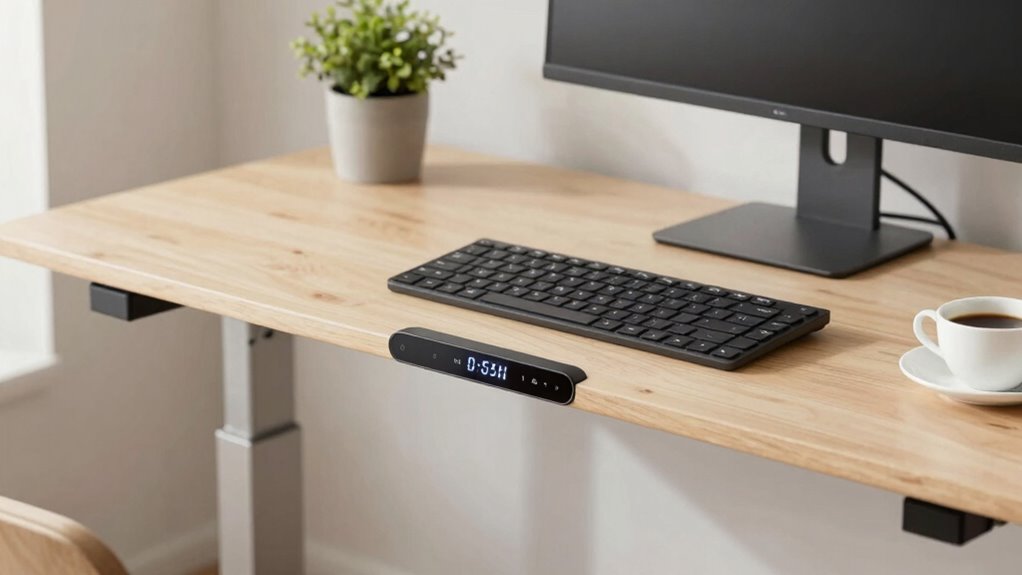
Adjusting your standing desk settings correctly can substantially improve comfort and reduce the risk of strain. If you’re not feeling the benefits, the problem often lies in the position of your monitor, keyboard, or desk height. Many people overlook these details, but small adjustments can make a huge difference in how your body feels after hours of work. To optimize your setup, think about using ergonomic accessories like adjustable monitor arms or keyboard trays, which allow you to fine-tune your workspace for maximum comfort. If your current desk isn’t adjustable enough or doesn’t meet your needs, exploring alternative desk options can also help create a more ergonomic environment that supports your posture.
The key is to guarantee your monitor is at eye level, so you aren’t tilting your head up or down. This reduces neck strain and helps maintain proper spinal alignment. If your desk height doesn’t allow for this, ergonomic accessories like monitor risers or stands can raise your screen to the ideal height without replacing your entire setup. Your elbows should rest at roughly a 90-degree angle when typing, with your wrists straight and relaxed. If your desk is too high or too low, you risk putting unnecessary pressure on your shoulders and wrists. Adjustable keyboard trays or stands help you find that perfect position, preventing discomfort and fatigue.
Your standing desk’s height is just one part of the puzzle. It’s equally important to take into account your foot placement and support. Wearing supportive shoes or using anti-fatigue mats can alleviate pressure on your legs and lower back. Some people find that alternative desk options, like desks with sit-stand converters, allow them to switch between sitting and standing seamlessly, reducing the risk of overuse injuries. These options can be customized to match your height and work habits, making it easier to maintain proper posture throughout the day. Additionally, understanding ergonomic principles can help you create a healthier workspace. Incorporating proper movement** and posture habits can prevent discomfort and long-term health issues. Furthermore, adjusting your workspace based on projector technology insights can optimize visual comfort and reduce eye strain if you’re using visual displays as part of your work setup. Keeping ergonomic accessories in mind when designing your workspace can enhance comfort and support better posture. Regularly reviewing your workspace setup and making small tweaks can also promote better posture habits** over time.
Lastly, don’t forget about movement. Even with your desk adjusted correctly, staying stationary for long periods can cause strain. Incorporate frequent breaks, stretching, or small movements to keep your muscles engaged. Properly setting your standing desk isn’t just about the height; it’s about creating an all-encompassing ergonomic setup. When you pay attention to these details, your workspace becomes a tool for better health, not a source of discomfort. Small adjustments, ergonomic accessories, and alternative desk options work together to make your standing desk truly effective.

WALI Computer Monitor Stand for Desk, Adjustable Laptop Riser, Desk Monitor Stand Underneath Storage for Office, Home, School Supplies (STT003), 1 Pack, Black
Design: The monitor stand for the desk has a large 14.6 x 9.3 inches metal shelf that fits…
As an affiliate, we earn on qualifying purchases.
As an affiliate, we earn on qualifying purchases.
Frequently Asked Questions
How Often Should I Adjust My Standing Desk During the Day?
You should adjust your standing desk every 30 to 60 minutes to maintain good desk posture and prevent strain. Incorporate ergonomic accessories like an anti-fatigue mat or footrest, which make frequent adjustments more comfortable. Regularly changing your position helps avoid fatigue and promotes better circulation. This habit guarantees your desk posture stays ideal throughout the day, keeping you comfortable and reducing the risk of musculoskeletal issues.
What Is the Ideal Height for a Standing Desk?
The ideal height for your standing desk is when your elbows are bent at a 90-degree angle, and your forearms are parallel to the floor. To maintain proper desk posture, use ergonomic accessories like adjustable keyboard trays and monitor stands. This setup reduces strain on your neck and shoulders, helping you stay comfortable throughout the day. Regularly adjusting your desk height guarantees peak support and productivity.
Should I Use a Mat When Standing at My Desk?
Yes, you should use a mat when standing at your desk. An ergonomic accessory like a cushioned mat provides essential foot support, reducing fatigue and discomfort during long periods of standing. It helps distribute your weight evenly, alleviating pressure on your feet and lower back. Incorporating a supportive mat encourages better posture, keeps you comfortable, and allows you to stay focused and productive throughout your workday.
How Can I Prevent Back Pain While Standing?
Imagine your spine as a tall, sturdy tree—keep it straight and balanced. To prevent back pain while standing, you should use ergonomic accessories like footrests and anti-fatigue mats, encouraging proper posture correction. Adjust your desk height so your shoulders relax and your wrists stay neutral. Regularly shift your weight and stretch to avoid stiffness. These small changes keep your back healthy and prevent discomfort during long work sessions.
Is It Better to Sit or Stand for Long Periods?
It’s better to alternate between sitting and standing for long periods. Using ergonomic accessories, like cushioned mats and adjustable desks, helps reduce strain. Incorporate posture correction techniques by adjusting your desk height and keeping your monitor at eye level. Take regular breaks to stretch and reset your posture, which prevents discomfort and promotes better circulation. This balance keeps you comfortable, productive, and minimizes the risk of long-term musculoskeletal issues.

VIVO Large Keyboard Tray Under Desk Pull Out with Extra Sturdy C Clamp Mount System, 27 (33 Including Clamps) x 11 Inch Slide-Out Platform Computer Drawer for Typing, Black, MOUNT-KB05E
Saves Desk Space: This 26.8” (32.5" including clamps) x 11” under-desk keyboard tray holds your keyboard, mouse, and…
As an affiliate, we earn on qualifying purchases.
As an affiliate, we earn on qualifying purchases.
Conclusion
Remember, your standing desk is like a finely tuned instrument—perfectly set up, it sings in harmony with your body. If you neglect to adjust that one essential setting, it’s like tuning a guitar with a blind eye; the melody is lost. Take the time to find your ideal height, and you’ll transform your workspace into a sanctuary of comfort and productivity. When your desk and you are in sync, every workday becomes a symphony of ease.

FEATOL Anti Fatigue Mat for Standing, 9/10 Extra Thick Ergonomic Standing Desk Mat, Comfort Memory Foam Standing Mat at Home,Office All Day (20" x 32", Black, 1PC)
[Anti Fatigue Standing Desk Mat] – This anti fatigue mat standing desk office is effective in reducing stress…
As an affiliate, we earn on qualifying purchases.
As an affiliate, we earn on qualifying purchases.

VIVO 32 inch Desk Converter, K Series, Height Adjustable Sit to Stand Riser, Dual Monitor and Laptop Workstation with Wide Keyboard Tray, Black, DESK-V000K
Create Instant Active Standing – VIVO’s desk riser provides on-demand standing throughout the day for the freedom to…
As an affiliate, we earn on qualifying purchases.
As an affiliate, we earn on qualifying purchases.