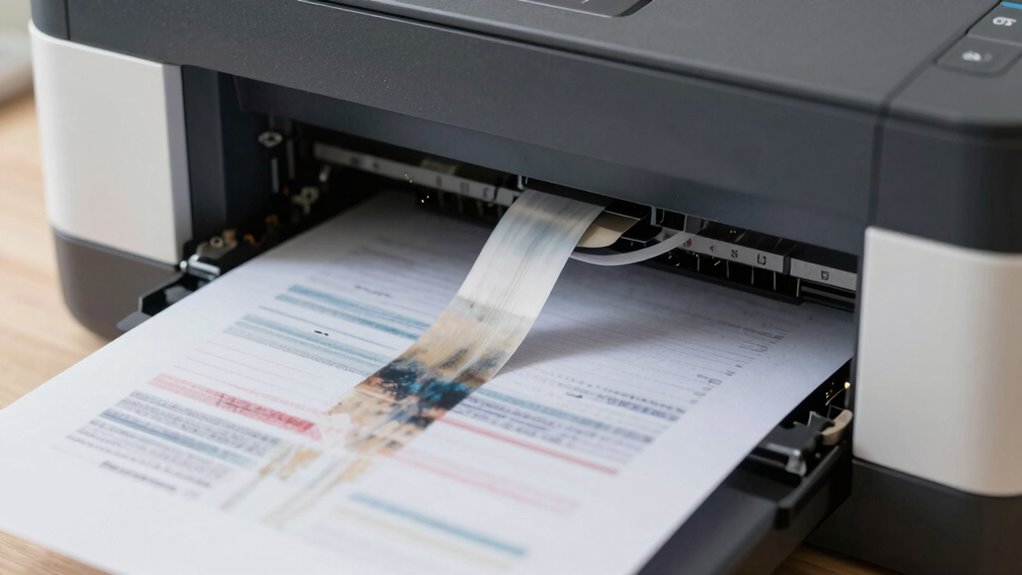

If your prints look faint, blurry, or streaked, hidden issues like low-quality ink, misaligned or dirty print heads, or using the wrong paper can be the culprit. Poor maintenance, such as clogged nozzles or worn heads, greatly affects print sharpness. Also, incompatible paper or incorrect settings may cause fading or smudging. To fix these problems and improve your print quality, you’ll want to explore some simple troubleshooting tips and solutions.
Key Takeaways
- Low or defective ink cartridges and toner can cause faint or blurry printouts.
- Worn or dirty print heads often lead to streaks, smudges, or uneven colors.
- Using incorrect paper types or settings results in blurry images and reduced sharpness.
- Poor-quality ink can cause fading, smudging, and inconsistent print quality.
- Lack of regular maintenance like cleaning and replacing cartridges impacts print clarity and resolution.
Why Is My Printer Producing Faint or Blurry Prints?
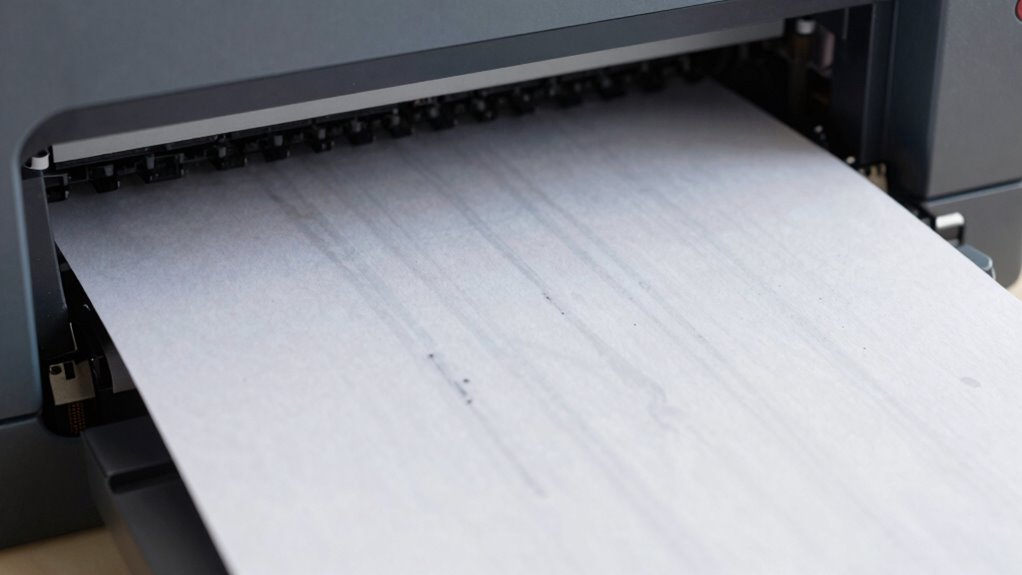
If your printer is producing faint or blurry prints, it’s often due to issues with ink or toner levels, print head alignment, or clogged nozzles. First, check your ink cartridges—low ink or defective cartridges can cause poor print quality. Replacing or refilling them usually improves results. Next, ensure proper print head alignment; misaligned heads can lead to blurred or faint images. Many printers have an automatic alignment feature—run it to correct issues. Also, clogged nozzles restrict ink flow, resulting in faded prints. Regular maintenance, such as cleaning the print head or performing nozzle checks, can prevent these problems. Addressing ink cartridge issues and making sure proper print head alignment are key steps to getting sharp, clear prints again. Additionally, using proper paper quality can significantly impact print clarity and prevent smudging or blurring. Keeping your printer in a clean environment helps avoid dust and debris that can clog nozzles and affect print quality. Moreover, understanding the print technology of your device can help troubleshoot specific issues more effectively. Regularly performing print head cleaning procedures can also extend the lifespan of your printer and maintain optimal performance.
How Worn or Dirty Printer Heads Damage Your Prints

Worn or dirty printer heads can considerably impair your print quality by causing streaks, missing colors, or uneven ink distribution. Over time, debris and dried ink can clog the tiny nozzles, leading to ink cartridge clogging that hampers proper flow. This buildup affects printer head alignment, making lines appear crooked or blurry. When the heads are worn, they may not apply ink evenly, resulting in patchy or faint prints. Regular cleaning can help remove dirt and restore proper alignment, but if the heads are severely worn, replacements might be necessary. Proper maintenance, including routine inspections, can prevent costly repairs and maintain optimal print quality. Ensuring your printer heads are clean and properly aligned prevents these issues, giving you sharper, clearer images and text. Neglecting this maintenance speeds up deterioration and worsens print quality over time. Additionally, color accuracy can be compromised if the printer heads are not functioning correctly, further diminishing print quality. To prolong the lifespan of your printer and maintain consistent results, understanding how printer head wear impacts performance is essential. Maintaining proper printer head condition is vital for consistent and high-quality output, and staying aware of emerging nanotechnology-based cleaning solutions can offer innovative ways to keep your printer at peak performance.
How Wrong Paper Types and Settings Hurt Print Quality
Using the wrong paper type or incorrect printer settings can considerably reduce your print quality, leading to blurry images, faded colors, or streaks. Your choice of paper selection directly impacts how ink or toner adheres and displays. Additionally, improper print settings can cause colors to look off or details to be lost. To avoid these issues, check these key factors:
Choosing the right paper and settings is key for sharp, vibrant prints.
- Choose the right paper: Use the appropriate type for your project, whether glossy, matte, or plain paper. Matching paper and settings is crucial for optimal results.
- Adjust print settings: Always select the correct media type and quality level in your printer’s menu.
- Match paper and settings: Ensure your paper selection aligns with your print settings for ideal results.
- Proper paper quality can significantly influence the durability and appearance of your prints.
- Ensuring that your printer’s settings are correct can prevent common printing issues and improve overall output quality. Being aware of how print technology works can help you troubleshoot and select the best options for your needs.
Paying attention to both paper and print settings ensures your prints look sharp and vibrant.
Why Low-Quality Ink Leads to Faded or Blurry Results
Choosing the right paper and settings can make a big difference, but even with perfect choices, low-quality ink can spoil your print results. Poor ink quality often leads to faded, blurry, or uneven prints because it doesn’t adhere well or provide vibrant color. Low-quality ink also affects ink longevity, meaning your prints won’t stay sharp or colorful over time. Cheap inks tend to run out quickly and may clog your printer heads, causing inconsistent results. Additionally, inferior ink may not dry properly, smudging easily and diminishing overall print clarity. To avoid these issues, invest in high-quality ink that’s designed for your printer. Better ink ensures your prints look professional, vibrant, and last longer, saving you time and money in the long run. Moreover, using high-quality ink can prevent clogged printer heads, which is a common problem with inferior inks and can lead to costly repairs. Proper maintenance and selecting compatible ink cartridges are also crucial steps to ensure optimal printing performance. Selecting specialized ink for your printer model can improve print quality and extend the lifespan of your device. Additionally, choosing reliable ink suppliers can help ensure consistent quality and reduce the risk of issues caused by subpar inks. Regularly cleaning your printer and using the correct printing settings can further enhance the durability and clarity of your prints.
Easy Maintenance Tips to Keep Your Printer Printing Sharp
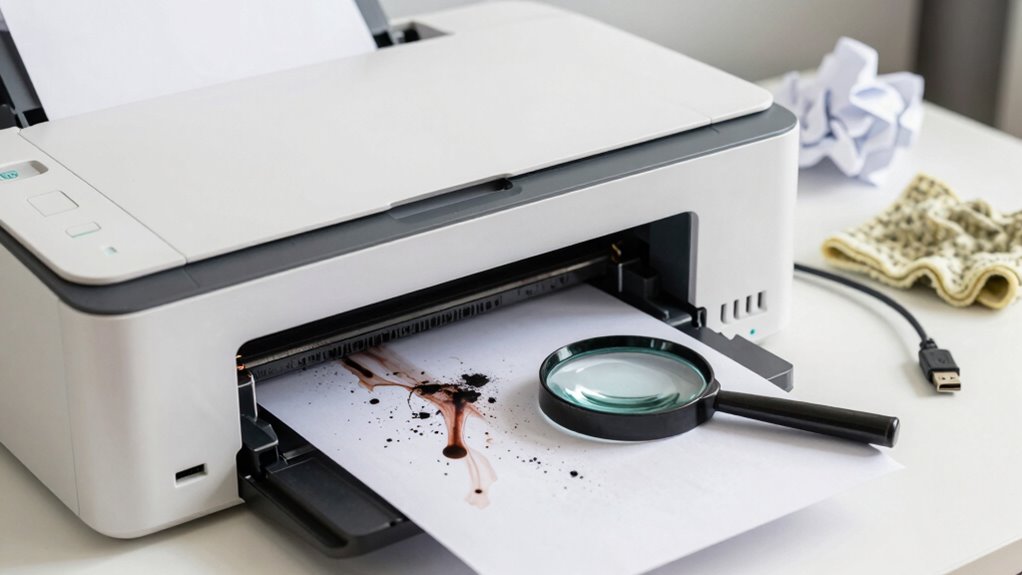
Regularly cleaning your printer’s print heads and rollers is one of the simplest ways to keep it printing sharp. This prevents ink from smudging and reduces the chances of paper jams. Here are three easy tips:
- Check and replace your ink cartridge when ink starts to fade; fresh ink ensures crisp prints.
- Clean the rollers with a damp cloth to remove dust and debris that can cause paper jams.
- Use quality paper suited for your printer to avoid misfeeds and maintain clear output.
- Additionally, air purifier maintenance ensures that your workspace remains free of dust and allergens, which can contribute to cleaner printing conditions. Proper printer upkeep can also extend the lifespan of your device and improve overall print quality, especially when combined with printer system care. Regularly inspecting and maintaining the printer environment helps prevent common issues and keeps your printer functioning optimally. Implementing these preventative measures can significantly reduce the need for repairs and enhance your printing experience.
Frequently Asked Questions
How Often Should I Replace My Printer Ink Cartridges?
You should replace your ink cartridges when the ink lifespan runs out, typically when your prints start fading or show streaks. Check your printer’s ink level indicator regularly, and don’t forget about proper cartridge storage—keep them in a cool, dry place to prevent drying out. Replacing cartridges promptly guarantees consistent print quality, avoiding problems caused by dried or expired ink, and helps you get the most from each cartridge.
Can Ambient Temperature Affect Print Quality?
Like a delicate dance, ambient temperature can sway your print quality, turning crisp images into blurry shadows. When the air is too hot or cold, ink may dry unevenly or bleed, blurring your masterpiece. Maintaining a stable environment keeps your printer’s performance steady, ensuring each print emerges vibrant and clear. So, keep the room comfortable, and let your prints shine with brilliance rather than fade into obscurity.
Is It Necessary to Calibrate My Printer Regularly?
Yes, you should calibrate your printer regularly to maintain ideal print quality. Regular printer maintenance, including print calibration, ensures that colors, alignments, and details stay sharp. Over time, components can shift or wear, causing prints to degrade. By scheduling routine calibration, you prevent issues before they become noticeable, saving you time and money. Proper maintenance keeps your printer functioning smoothly and produces consistently professional-looking results.
What Impact Does Using Third-Party Ink Have on Print Results?
Using third-party ink can affect your print results because of ink compatibility and cartridge quality issues. Lower-quality or incompatible inks may cause streaks, color inaccuracies, or smudging, leading to poor print quality. Even if third-party inks are cheaper, they often lack the consistency of original cartridges. To guarantee sharp, vibrant prints, stick with high-quality, compatible ink that’s designed for your printer.
How Can I Identify if My Printer Needs Professional Servicing?
You can identify if your printer needs professional servicing by paying attention to unusual noises, persistent paper jams, or inconsistent print quality. Regular printer maintenance and troubleshooting tips, like checking for error messages or inspecting ink cartridges, help spot issues early. When problems persist despite these efforts, it’s time to seek expert help. Addressing these signs promptly guarantees your printer runs smoothly, saving you time and preventing costly repairs.
Conclusion
Don’t forget to diagnose, dust, and do diligent maintenance to keep your prints pristine. Regularly check and clean your printer heads, choose the proper paper, and use quality ink to prevent problems. By practicing these simple steps, you’ll prevent poor prints and preserve perfect pictures. Remember, consistent care creates clear, crisp, enthralling prints. Stay vigilant, keep your printer in top shape, and enjoy flawless results every time!